Quickstart
You need the exc CLI installed and logged in. See
CLI Installation.
Console
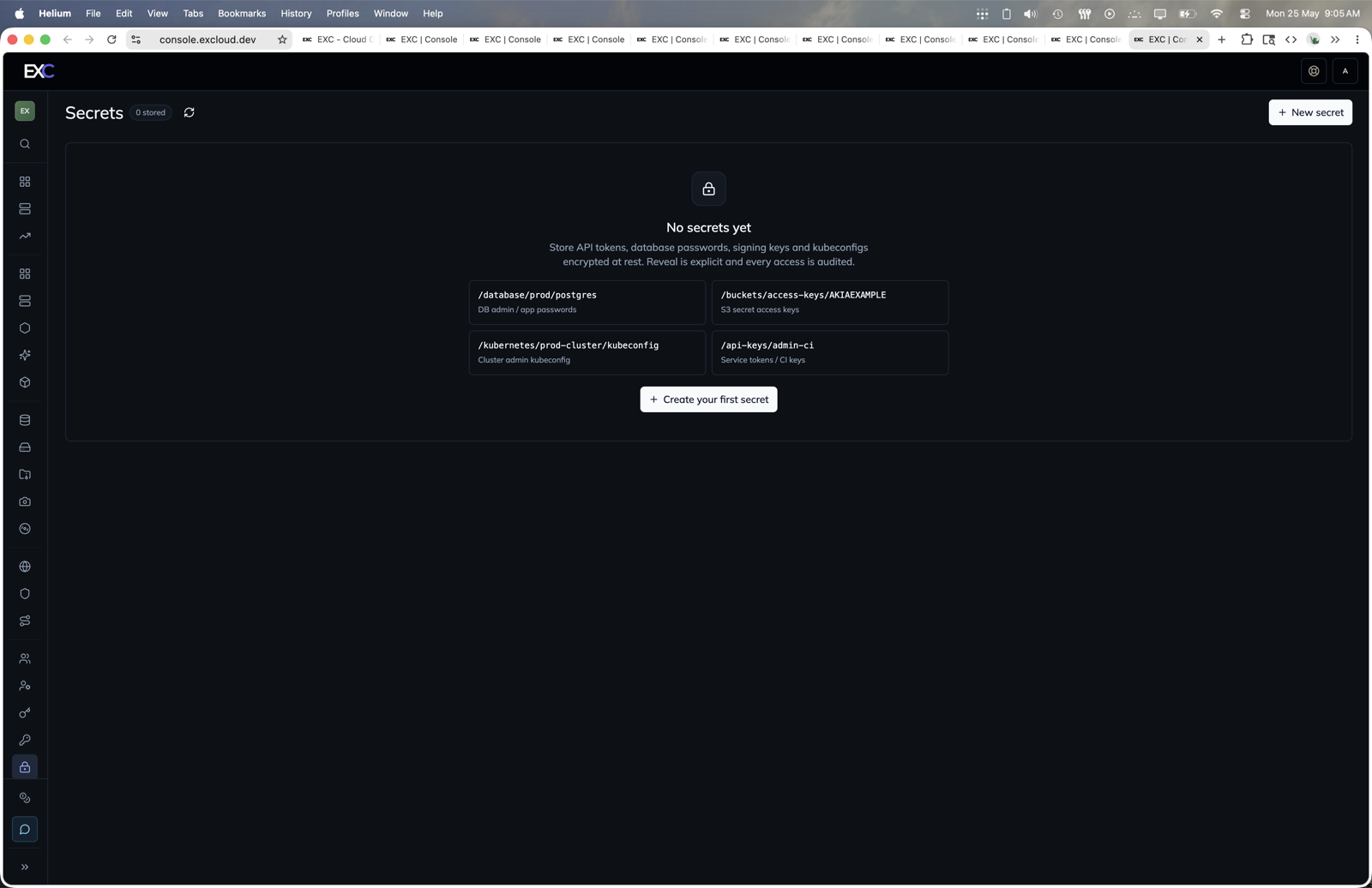
- Open console.excloud.dev/console/secrets.
- Click New secret or Create your first secret.
- Set the secret path and value.
- Use reveal and events actions when you need plaintext or audit history.
1. Create
exc secret create --path /app/prod/db_url \
  --value 'postgres://app:[email protected]:5432/app'
--value is convenient but leaks the secret into your shell history. For real use, prefer one of:
exc secret create --path /app/prod/db_url --from-file ./db_url.txt
exc secret create --path /app/prod/db_url --from-stdin    # prompts without echo on a TTY
The path is the human-friendly identifier (must start with /). The server also returns an integer id you can pin in code if you want stability across path renames.
2. List / look up
exc secret list
exc secret lookup --path /app/prod/db_url
Both return metadata only — never plaintext.
3. Reveal
exc secret reveal --path /app/prod/db_urlThis is the only call that returns the secret value. It is logged — every call writes an audit row.
Identify by path (above) or by id:
exc secret reveal --id 1For scripts, capture into a variable. reveal prints the value followed by a trailing newline, which command substitution strips:
DB_URL=$(exc secret reveal --path /app/prod/db_url)
my-app --db-url="$DB_URL"
unset DB_URL
Other output modes:
--out PATHwrites the value to a file with mode 0600 (combine with--silentto keep it off stdout).--copyputs the value on the OS clipboard.--env VARemits a shell-safeVAR='…'line:eval $(exc secret reveal --path /app/prod/db_url --env DB_URL).
4. Rotate
exc secret version add --path /app/prod/db_url \
  --value 'postgres://app:[email protected]:5432/app'
The new version becomes the default returned by exc secret reveal. The old one stays readable explicitly:
exc secret version list --path /app/prod/db_url
exc secret reveal       --path /app/prod/db_url --version 1
Useful during a rolling deploy where some consumers still have the old value cached.
5. Audit
exc secret events --path /app/prod/db_urlReturns who read or modified the secret, when, and from which API client. This is what to grep when you suspect a credential leaked.
6. Soft-delete
exc secret delete --path /app/prod/db_url --yesSoft-delete marks the secret as deleted, removes it from list/lookup/get, and frees the path for re-creation. There is no undo — pass --yes only when you’re sure (omit it on a TTY to be prompted).
Access control
The IAM action namespace for secrets is secrets:*. The default Admin policy grants everything. For least-privilege:
{
  "Version": "2024-03-05",
  "Statements": [
    { "Effect": "Allow", "Action": ["secrets:list", "secrets:get", "secrets:reveal"], "Resource": "*" }
  ]
}
For finer scoping (per-path), see the Policies guide.