Streams
Excloud Streams provisions a managed Apache Kafka cluster on Excloud-managed VMs. You get a single, stable TLS bootstrap endpoint and an admin SCRAM credential; topics, users, and ACLs are managed from the Excloud CLI, the
console, or Terraform. The cluster runs in KRaft mode with a replication factor of 3 and min.insync.replicas of 2 for durability.
How clients connect
Producers and consumers talk to one bootstrap endpoint:
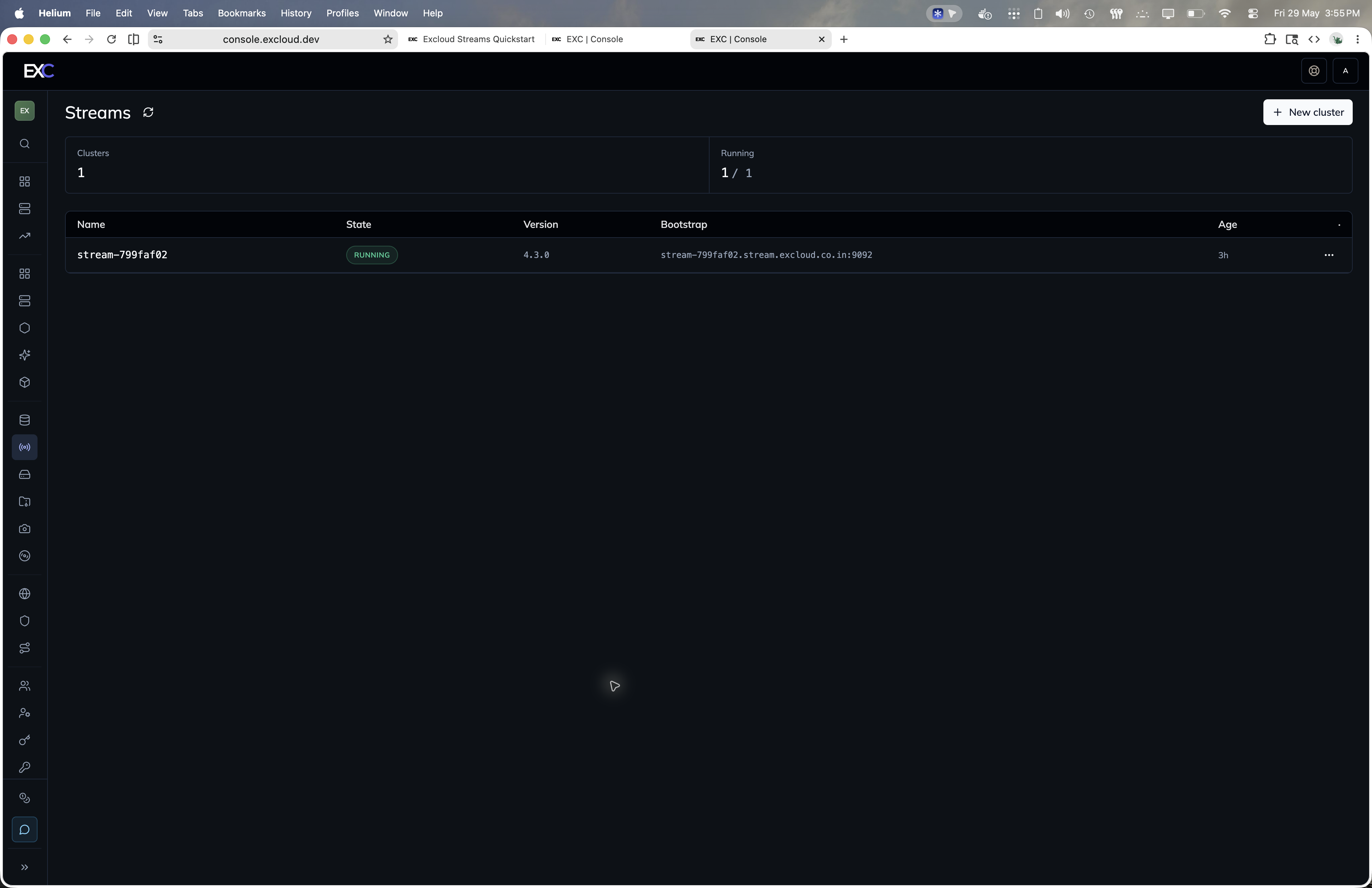
<name>.stream.excloud.co.in:9092Behind that DNS name the cluster handles the rest — clients never address individual brokers. Connections are SASL_SSL: TLS for transport, SCRAM-SHA-512 for authentication. The CA certificate and a ready-to-use client.properties are returned from the bootstrap endpoint.
CLI
Start with exc stream create, then use exc stream bootstrap for client connection details:
exc stream create \
  --name events-prod \
  --zone_id 1 \
  --subnet_id 1 \
  --instance_type m1a.medium \
  --root_volume_size_gib 100 \
  --allowed_cidrs 203.0.113.0/24 \
  --wait

exc stream bootstrap --id <cluster_id>
The create response includes the admin SCRAM password. Save it immediately; passwords are not returned later.
In this section
| Page | Covers |
|---|---|
| Quickstart | Create a cluster and connect a client |
| Clusters | Cluster lifecycle, bootstrap metadata, restart, terminate |
| Topics | Create, update, list, and delete topics |
| Users & ACLs | SCRAM users and data-plane ACLs |