guides
Change Billing Details
Open Billing Details in an organization you own, edit the invoicing contact information, and save the changes.
Billing details identify the organization on its billing records. You can update the billing name, GSTIN, phone number, and address from the Excloud console.
Before you begin
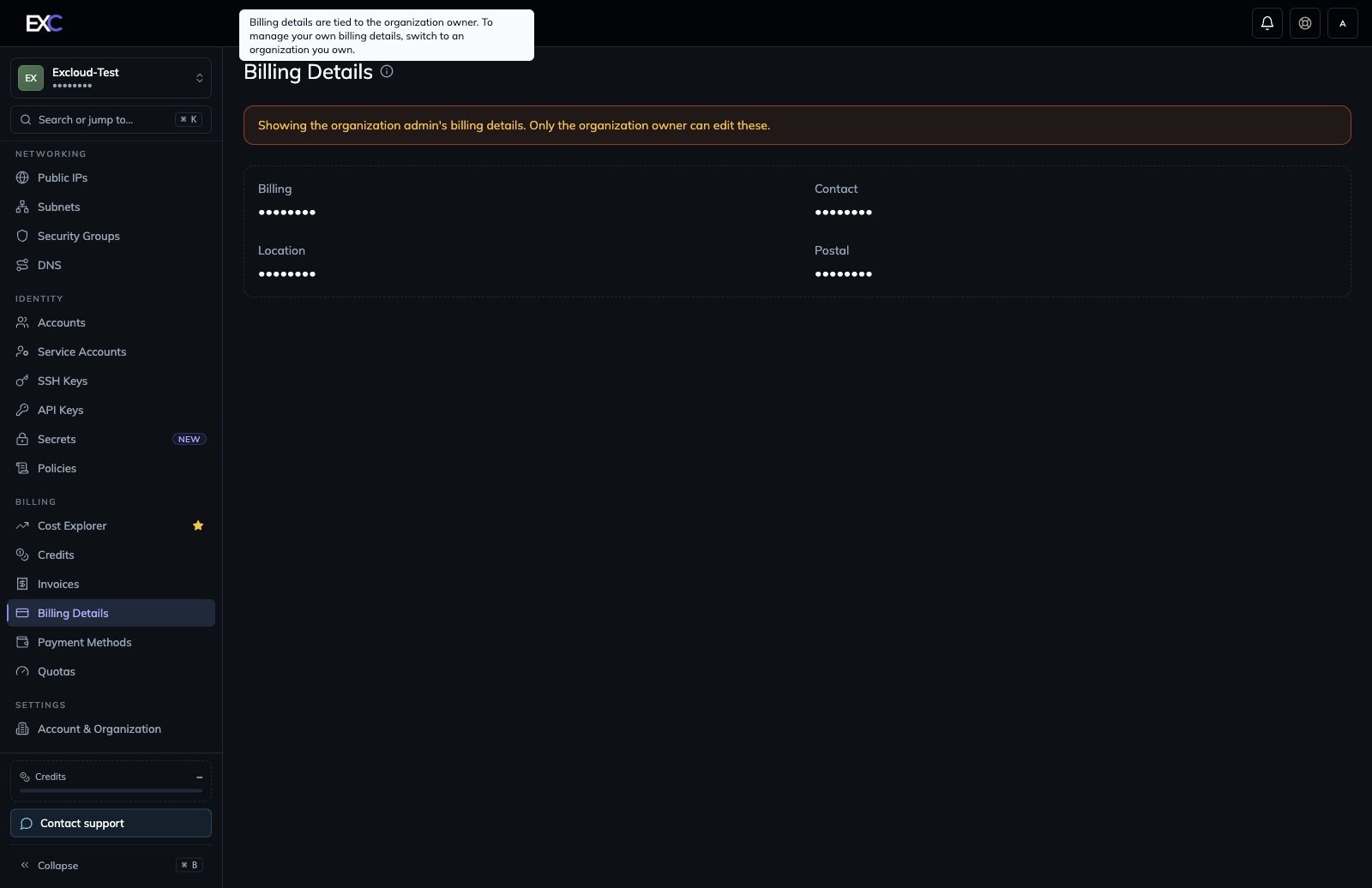
You must be the owner of the organization whose billing details you want to change. Other organization members can view the owner’s billing details, but they cannot edit them.
If you belong to multiple organizations, use the workspace selector at the top of the sidebar to switch to an organization you own. The information icon beside Billing Details also shows this ownership requirement.
Update the details
- Log in to the Excloud console.
- Select the organization you own from the workspace selector.
- In the sidebar, under Billing, select Billing Details.
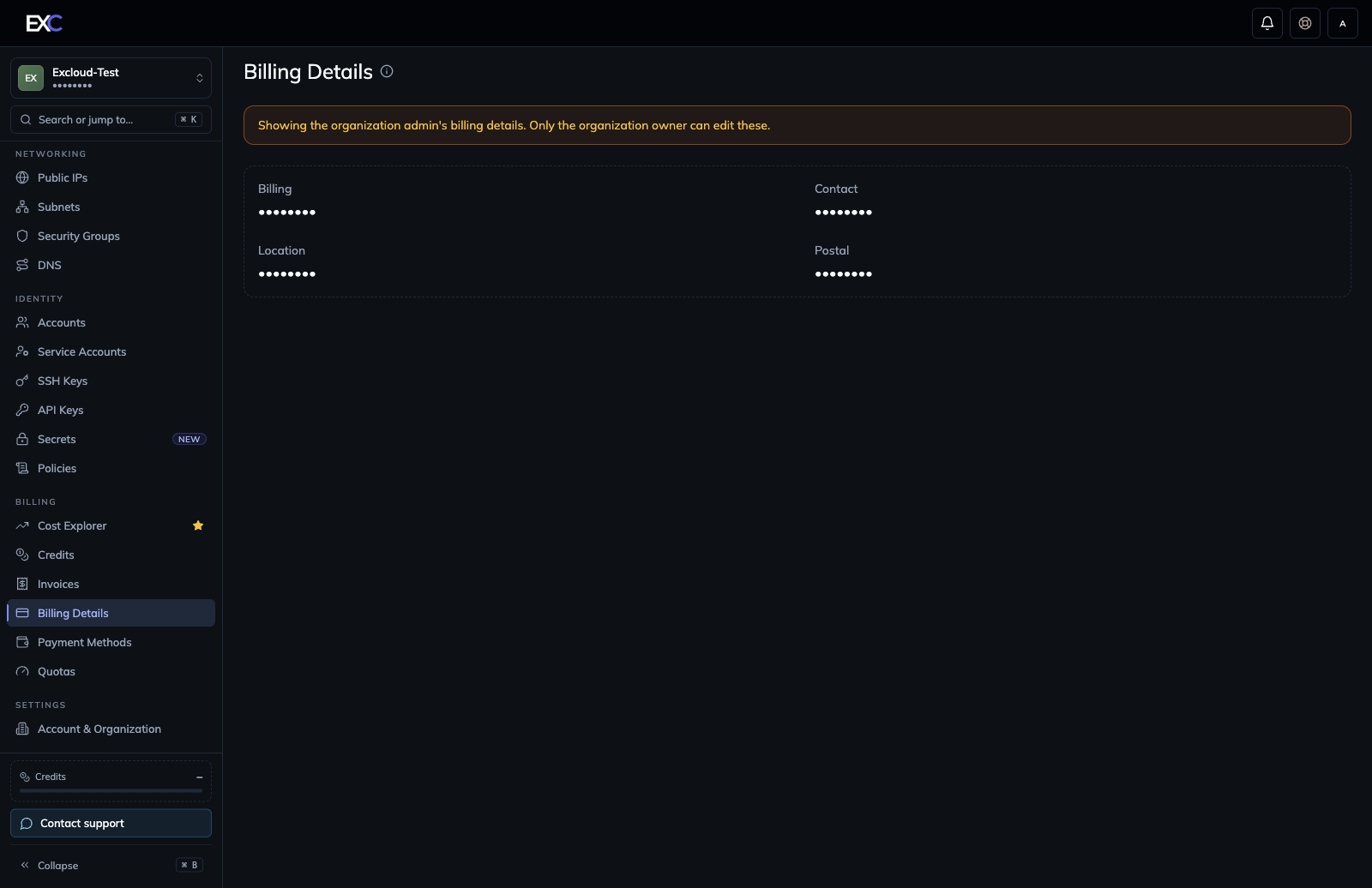
- Select the pencil icon in the upper-right corner of the page. If no billing details have been added yet, select Add Billing Details instead.
- Review and update the fields:
- Billing Name — the company or individual name used for billing.
- GSTIN — an optional Indian Goods and Services Tax Identification Number.
- Phone Number — include the country code; selecting the calling country also sets the billing country.
- Address Line 1 and optional Address Line 2.
- City, State/Province, and Postal Code.
- Select Update Details. For a first-time entry, select Save Details.
- Wait for the success notification, then verify the updated summary on the Billing Details page.
Troubleshooting
- There is no pencil icon: you do not own the selected organization. Switch to an organization you own or ask its owner to make the change.
- The GSTIN is rejected: enter the complete 15-character GSTIN. The console checks its structure, state or union-territory code, and checksum.
- The phone number is rejected: include a valid country code, such as
+91for India. - You need to correct an existing invoice: changing the saved details does not edit an invoice that has already been issued. Contact [email protected] for help.
Billing details contain personal and tax information. Review them carefully and do not share screenshots that display the unredacted values.